

Security cameras for commercial buildings are no longer “nice to have.” For many commercial properties, video is part of daily operations. These include offices, retail stores, warehouses, medical clinics, multifamily lobbies, and mixed-use sites. It helps reduce shrink, supports safety, documents incidents, and improves accountability.
But buying a commercial security camera system can still feel confusing. The market is crowded, the specs look similar, and every vendor promises “smart” features.
This guide explains what matters, the camera types you’ll see, and how to design scalable surveillance. It works for single sites and multiple locations, without overbuying or leaving blind spots.
What a modern video surveillance system should do for a commercial building
At a basic level, a video surveillance system should record clear video, store it safely, and help you find what you need fast. In practice, commercial buildings demand more than basics:
Prevention and deterrence: Visible commercial surveillance cameras often reduce theft and unauthorized access.
Documentation: High resolution footage helps with investigations, insurance claims, and compliance.
Operational clarity: Cameras can confirm deliveries, track after-hours access, and monitor high-value areas.
Faster response: Real time viewing and alerts can help staff react before a situation escalates.
Consistency across teams: A system with roles and permissions controls access. It still supports customer service and security workflows.
For many organizations, it’s not just about catching someone doing something wrong. It’s about understanding what took place. When an issue comes up, you can pull the video, confirm the details fast, and decide what to do next.
Start with the site plan: risks, traffic, and critical zones
Before comparing models and megapixels, define what you need to see and why. Most commercial security cameras fail to deliver because the plan was built around hardware, not outcomes.
Create a simple map and label these zones:
- Public entry/exit points: Front doors, loading doors, roll-up doors.
- Cash or transaction areas: POS stations, reception desks, service counters.
- High-value assets: Inventory cages, server rooms, tool cribs, medication storage.
- Perimeter and parking: Gates, lot entrances, sidewalks, dumpsters (often a hotspot).
- Back-of-house: Shipping/receiving, hallways, stairwells, maintenance areas.
Then decide what each camera must do:
- Identify a face at the door?
- Read a license plate in the lot?
- Monitor motion after hours?
- Provide general situational awareness?
That single question determines lens choice, mounting height, lighting needs, and whether you truly need high resolution in that spot.
Types of cameras commonly used in commercial buildings
Most business security camera system designs mix multiple types of cameras. Each solves a different problem.
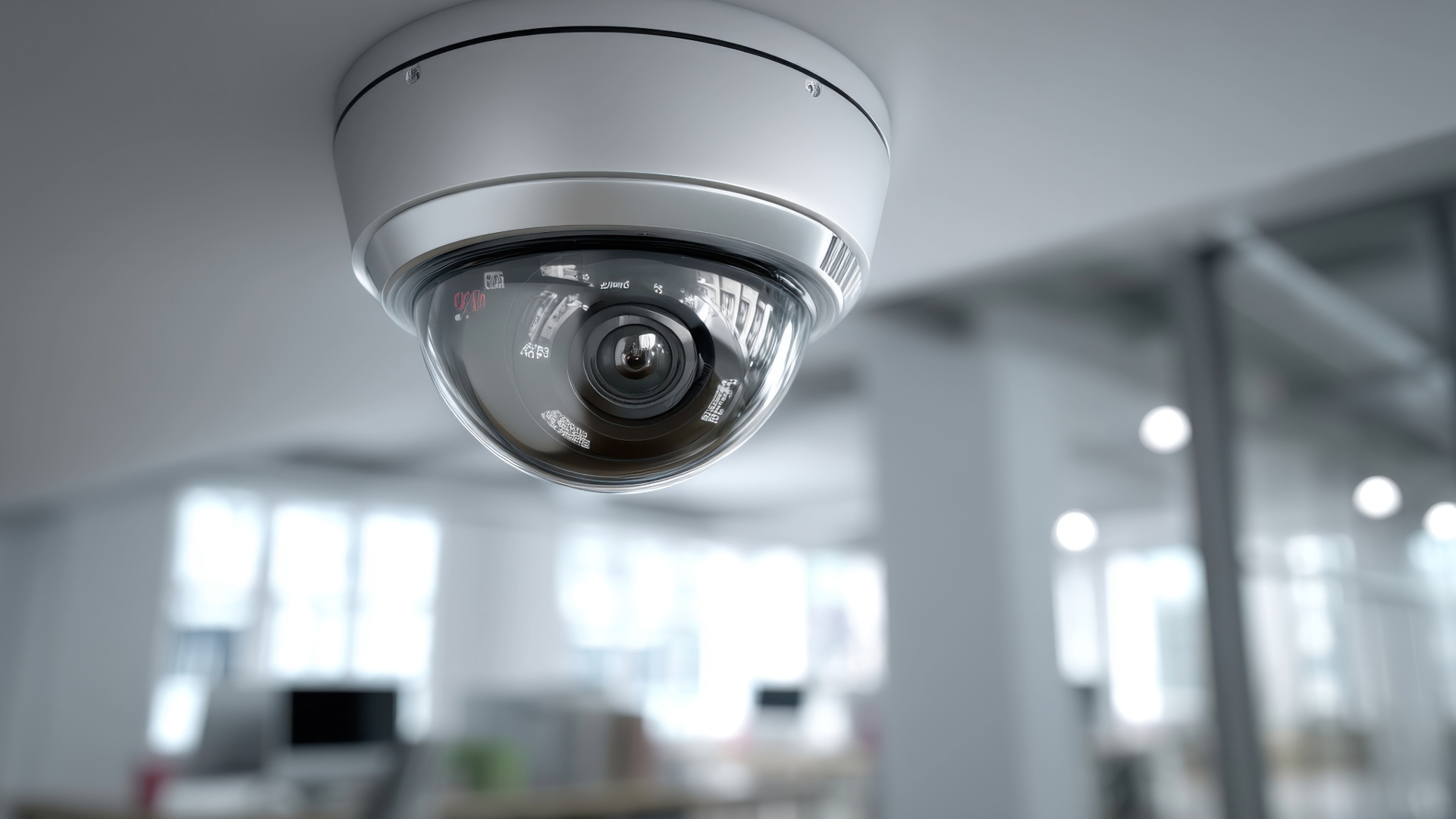
1) Dome cameras
Dome cameras are common indoors (lobbies, hallways, retail floors). They look clean, resist tampering, and work well for general coverage. They’re often chosen for commercial properties where aesthetics matter.
Best for: Indoor public areas, corridors, front-of-house spaces.

2) Bullet cameras
Bullet cameras are easy to aim and are popular on building exteriors. Their shape makes them more visible, which can deter unwanted behavior.
Best for: Perimeter lines, parking edges, loading areas.

3) Turret (“eyeball”) cameras
Turrets aim like bullets but without the dome bubble that can reflect IR light at night. They’re a favorite in many surveillance systems because they handle night vision well and are easy to adjust.
Best for: Indoor/outdoor coverage, entrances, and general-purpose use.
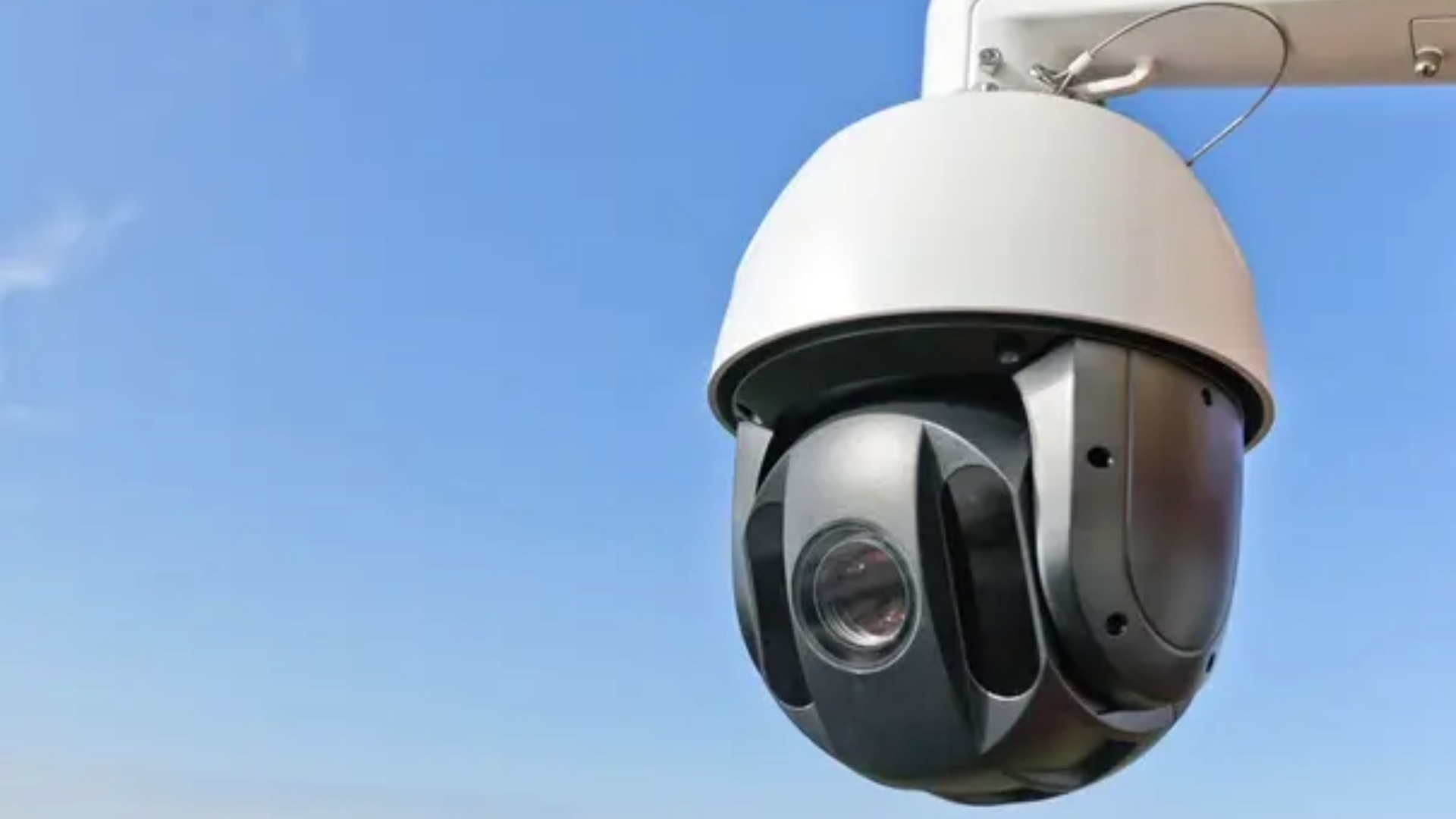
4) PTZ (pan-tilt-zoom) cameras
PTZ cameras can move and zoom to follow activity, either manually or automatically. They may monitor wider areas, but they’re not magical. If a camera points left, it won’t capture anything on the right.
Best for: Large open areas (lots, warehouses), supervised environments.
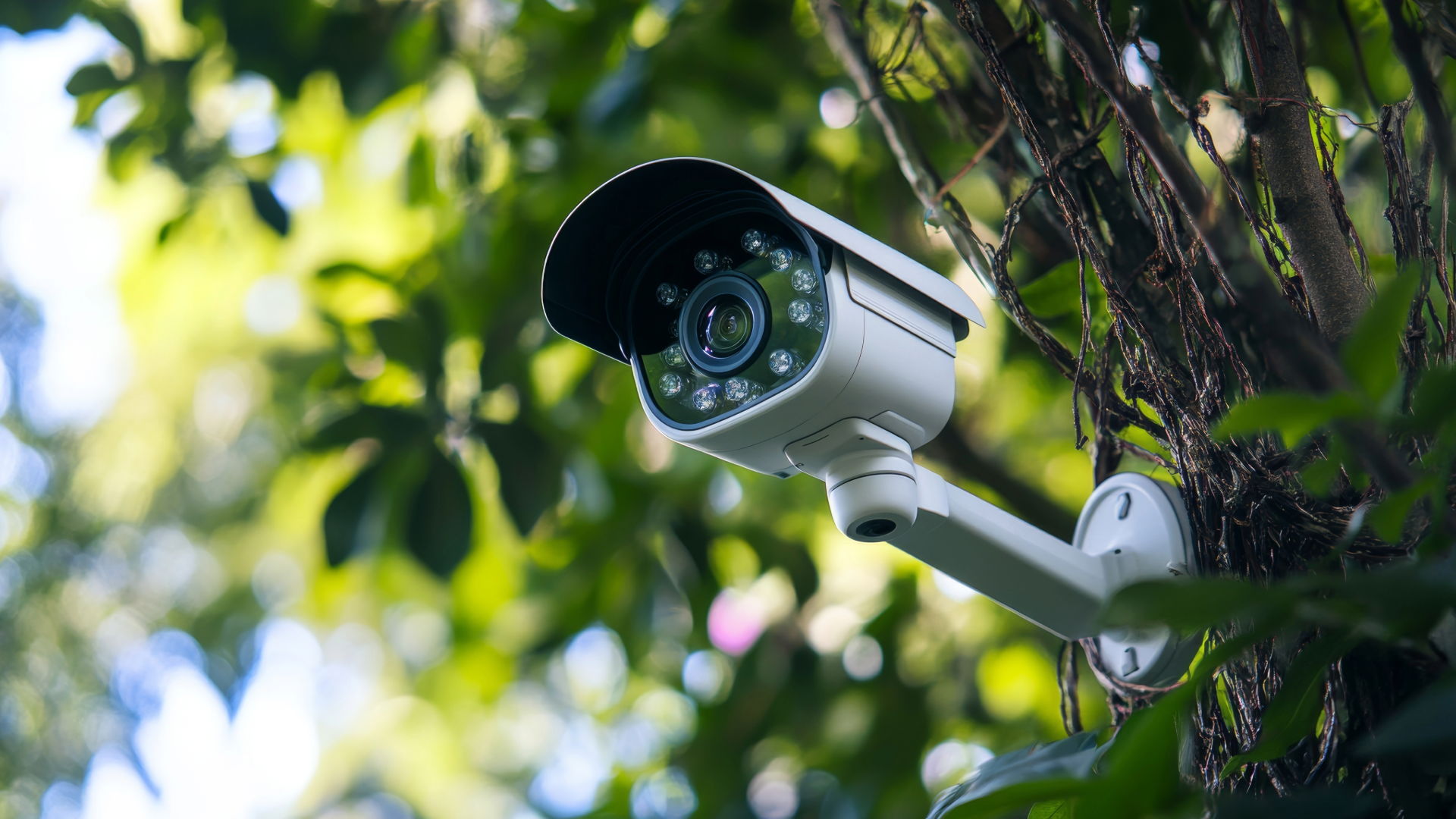
5) Multi-sensor cameras
These pack multiple lenses into one unit to cover wide areas with fewer mounts. They can reduce installation complexity and provide strong situational awareness.
Best for: Building corners, wide lobbies, large open floors.

6) Specialty cameras (license plate, fisheye, thermal)
- LPR cameras are designed to capture plate detail in challenging lighting.
- Fisheye covers 360° for compact spaces.
- Thermal detects heat signatures, helpful for long-range detection in low light, but it won’t give you face detail.
Best for: Very specific requirements; use only where needed.
Key features that matter in a commercial security camera system
Specs can be marketing-heavy, so focus on what changes results.
High resolution (but only where it counts)
High resolution improves clarity, especially for identification tasks. But higher resolution also increases bandwidth and storage. A smart approach is to place high resolution cameras at:
- Entrances
- Transaction points
- Inventory access doors
- Critical choke points
Use standard resolution for general coverage zones where you mainly need context.
Night vision and low-light performance
Night vision is essential for exteriors, parking, and after-hours spaces. Look for:
- Strong IR range
- Good low-light sensors
- Proper lighting design
If a camera can’t capture high detail in low light, it may still record motion, but it may not identify a person.
Field of view and lens choice
A wide lens covers more area but reduces detail. A narrow lens captures detail but covers less. This trade-off is one of the biggest design decisions in surveillance solutions.
A good plan often uses:
- Wide coverage cameras for context
- Narrower, targeted cameras for identification
Real time monitoring and alerts
Real time viewing helps managers verify what’s happening before calling security or police. Many systems also offer motion-based alerts. The trick is tuning them so they’re useful—not a constant stream of false alarms from shadows, rain, or passing cars.
Reliability: uptime, power, and recording
Commercial surveillance cameras should keep working through normal disruptions.
- PoE (Power over Ethernet) simplifies power and backup strategy.
- Local NVR + cloud management can be a strong blend for reliability and access.
- Edge recording (SD card) is useful as a fallback for short outages.
AI powered cameras: what “smart” truly means
AI powered features are now common in commercial security cameras, but not all “AI” is equal. In practical terms, AI can improve:
- Person/vehicle detection: Better than generic motion detection, fewer false alerts.
- Line crossing and intrusion zones: Useful after hours at doors, fenced areas, and loading bays.
- Search and retrieval: Find “person in red jacket” faster than scrubbing hours of video footage.
- Occupancy and flow insights: Sometimes used for operations, staffing, and customer service planning.
Two cautions:
- AI needs good camera placement. Bad angles and poor lighting reduce accuracy.
- Be clear about data handling. Understand where analytics run (on-camera, NVR, cloud) and how long metadata is stored.
Used well, AI reduces time spent reviewing video and increases the chance you respond in time.
Storage, retention, and bandwidth: the hidden costs
A commercial security camera system is not just cameras. Storage and network design are where many initiatives often encounter unexpected expenses.
Key questions to answer early:
- How many days of retention do you need—14, 30, 90?
- Are you recording 24/7 or motion-based?
- What resolution and frame rate are required per area?
- Do you need audio (and is it legal in your state)?
High resolution, high frame rate, and 24/7 recording multiply storage quickly. A good vendor or integrator should estimate storage per camera and provide a retention model you can validate.
Also plan for bandwidth:
- Can your network handle the video load without disrupting POS, VoIP, or Wi‑Fi?
- Do you need a dedicated VLAN for surveillance systems?
- If you have multiple locations, how will remote viewing impact bandwidth during peak hours?
Designing for multiple locations: consistency wins
If you manage multiple locations, standardization is one of the biggest advantages you can create. A consistent business security camera system across sites improves training, simplifies support, and speeds up investigations.
Consider these best practices:
- Use the same camera families where possible (same app, same management console).
- Standardize retention and recording policies so incidents are handled consistently.
- Centralize user roles (regional managers vs. site staff vs. security).
- Create a repeatable camera layout template (front door, rear door, POS, stockroom, lot entry).
- Document everything (IP addresses, mount points, switch ports, login ownership).
Even if sites vary, a “template + adjustments” approach keeps your commercial surveillance cameras manageable.
Integration with broader security solutions
Security cameras for businesses are most effective when they’re part of a bigger security story. Many commercial buildings connect cameras to:
- Access control: Tie door events to video footage for faster verification.
- Alarm systems: Trigger camera bookmarks or alerts when sensors trip.
- Intercoms/video doorbells: Verify visitors and deliveries in real time.
- Visitor management: Correlate check-ins with video during investigations.
When these systems are integrated, you spend less time switching apps and more time solving the problem.
Maintenance and customer service: the factor most people underestimate
A camera system that looks great on install day can quietly degrade. Lenses get dirty, a switch port fails, firmware goes out of date, or a hard drive fills up.
Strong customer service and support processes matter as much as hardware. Ask providers about:
- Health monitoring (offline camera alerts, storage warnings)
- Firmware and cybersecurity patching
- SLA response times
- Replacement policies and warranty handling
- Remote troubleshooting vs. onsite dispatch
Commercial security camera system ownership should include a plan for ongoing checks, not just initial install.
A practical buying checklist for commercial security cameras
Use this list to compare surveillance solutions without getting lost:
- Define the goal for each camera: Identify, observe, or detect.
- Choose the right types of cameras: Dome, turret, bullet, PTZ, or specialty.
- Confirm night vision performance: Especially for parking and perimeter.
- Prioritize high resolution where identification is needed.
- Plan retention and storage: Days, recording mode, and growth.
- Design the network: PoE switches, VLANs, bandwidth headroom.
- Decide on AI powered features: And test accuracy in your environment.
- Plan for multiple locations: Standardize hardware and policies.
- Integrate where it matters: Access control, alarms, intercoms.
- Lock in support and customer service expectations: Monitoring, updates, and response.
Build a system that reduces risk and saves time
The best commercial security cameras help you make decisions with confidence, reduce losses, and shorten the time between an incident and a definitive outcome. With clear, reliable footage and smart features, you can quickly verify what happened and act without second-guessing. That means fewer blind spots, faster investigations, and a security strategy that protects people, property, and operations.
Ready to upgrade your commercial security camera system?
Netranom designs and supports video surveillance systems built for commercial properties, including scalable security solutions for multiple locations with high resolution, night vision, and AI powered monitoring options.
Learn more – Contact Us for IT Support & Services – Netranom

 Coal & Mining