
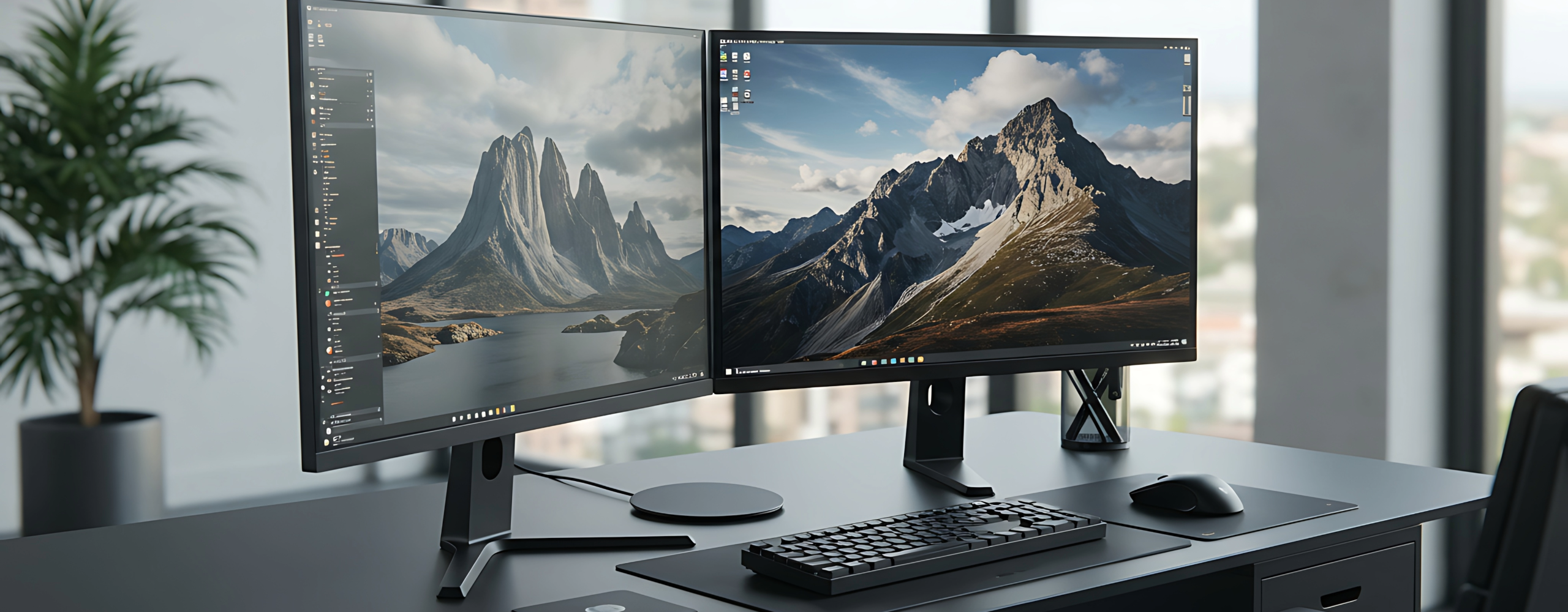
Where you work has a direct impact on how well you work. The tools you use, the way your desk is arranged, and how your technology fits together all influence focus, comfort, and productivity throughout the day.
Before choosing monitors, keyboards, or accessories, it’s worth starting with a simple question: why does your workspace matter?
Why the Perfect Workspace Matters
A poorly designed workspace creates friction. Struggling to see your screen, dealing with unclear audio in meetings, or working in an uncomfortable position may seem minor, but those issues add up quickly.
A thoughtfully designed workspace helps:
- Reduce distractions that break focus
- Prevent fatigue during long workdays
- Support consistent productivity
- Create a more professional meeting experience
When your workspace supports you instead of slowing you down, work feels smoother and more sustainable.
How a Well-Designed Workspace Supports Productivity
A productive workspace removes unnecessary barriers. It makes everyday tasks easier, reduces interruptions, and supports both physical comfort and mental clarity.
This support comes from two key areas:
- The peripherals you interact with constantly
- The physical workspace that surrounds those tools
When both work together, your environment fades into the background and lets you focus on the work that matters.
What Are Essential Workspace Peripherals?
Essential workspace peripherals are the tools that connect you to your work. While they sit outside your computer, they play a major role in how you see information, communicate with others, and interact with technology throughout the day.
These peripherals can include:
- Monitors
- Speakers
- Microphones
- Keyboards
- Docking stations
Choosing the right peripherals creates the foundation for a workspace that supports focus instead of fighting against it.
Start Here: Essential Workspace Peripherals
Monitors
A well-designed monitor setup reduces eye strain, helping prevent headaches, fatigue, and loss of focus during long workdays. When screens are too small or poorly positioned, your eyes work harder than they should.
A strong monitor setup:
- Minimizes constant window switching
- Keeps key information visible
- Makes multitasking more efficient
When content is easy to see at a glance, work flows more smoothly and mistakes are less likely.
Speakers
Clear audio improves meeting quality by ensuring important information is heard the first time. Poor sound leads to repeated explanations and disengagement.
External speakers help by:
- Reducing ear fatigue from all-day headphone use
- Supporting clearer conversations
- Making collaboration easier in shared spaces
This creates a more natural and comfortable meeting experience.
Microphones
Improving voice clarity ensures your message is understood without repetition or confusion. Clear audio keeps meetings focused and easier to follow.
A quality microphone:
- Reduces background noise
- Prevents listener fatigue
- Helps you sound confident and professional
Because your voice is often your first impression in virtual meetings, clarity matters.
Keyboards
Typing comfort directly affects how long you can work without fatigue. Discomfort leads to distraction, slower typing, and tension.
The right keyboard:
- Reduces wrist and hand strain
- Supports healthier posture
- Helps prevent long-term repetitive stress
Small improvements here can have a big impact over time.
Docking Stations
Docking stations remove friction from connecting your workspace. Instead of plugging in multiple cables, everything connects through one point.
They support productivity by:
-
Saving time at the start and end of the workday
-
Supporting flexible and hybrid workstyles
-
Reducing cable clutter on the desk
When paired with secure sign-in tools like multi-factor authentication (MFA), docking stations also support a safer hybrid work environment. Employees can quickly connect and get to work while still protecting business systems with an extra layer of verification.
This simplicity keeps your workspace clean, efficient, and secure without slowing anyone down.
Designing the Actual Workspace
The physical workspace is just as important as the tools themselves. How everything is arranged affects comfort, focus, and efficiency.
Cable Management: Less Clutter, More Focus
Loose cables create visual clutter and subtle distractions. Simple cable management:
- Improves organization
- Makes changes easier
- Creates a cleaner, more professional workspace
Ergonomics: Supporting Comfort Over Time
Ergonomics focuses on fitting the workspace to the person. Proper monitor height, supportive seating, and well-positioned input devices:
- Reduce strain and fatigue
- Support healthier posture
- Improve comfort over long workdays
Small adjustments here can make a noticeable difference.
Form Factors: Fit the Workspace to the Work
Every workspace is different. Desk size, layout, sit-stand options, and mounting choices all affect how efficiently space is used.
Choosing the right form factor:
- Prevents overcrowding
- Maximizes usable space
- Supports your specific workstyle
Creating a Workspace That Works for You
When your workspace supports visibility, communication, comfort, and simplicity, work feels easier and more manageable day after day. Small, intentional choices can turn your workspace into an environment that truly works for you.
Want Help Optimizing Your Workspace or Office Technology?
Explore our professional workspace and technology solutions
Audio & Video Solutions for Business – Netranom

 Coal & Mining